
Try it before you ink it
Free tattoo designs
Try it before you ink it. Pick any free design from the gallery, put it on your own photo, compare directions and bring your artist an idea you are already sure about.
- See it on your own skin. Upload a photo and try any design on your arm, back or leg in seconds – before the needle.
- Find the style that is actually you. Blackwork, fine line, Japanese, geometric – browse 50+ styles until one clicks.
- Walk into the studio ready. High-resolution artwork your tattoo artist can work from straight away.
Tattoo styles explained · Designs are free for personal use (license)
 Editors ChoiceView designs
 Tribal BlackView designs
 BlackworkView designs
 Editors ChoiceView designs
 Editors ChoiceView designs
 Bold OutlinesView designs
 BlackworkView designs
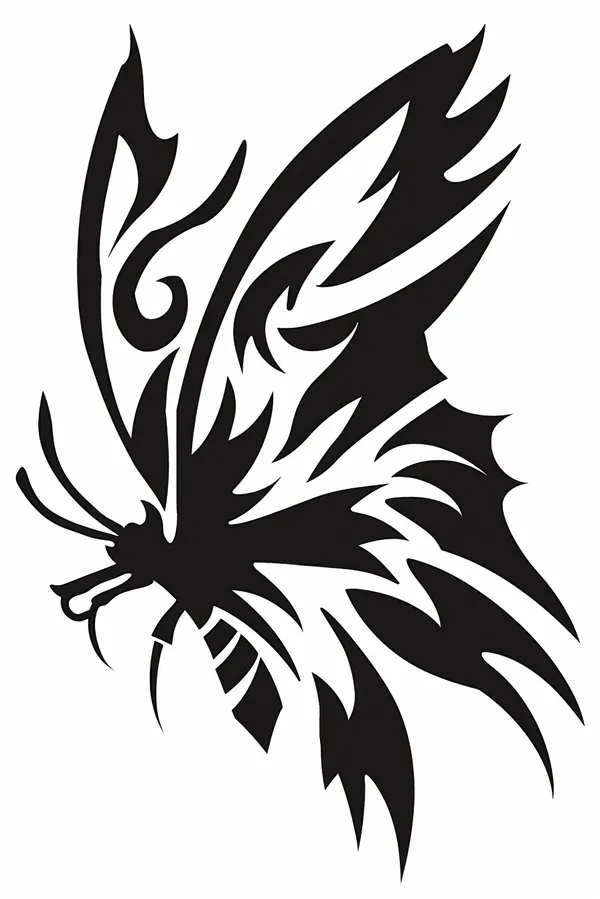 Tribal BlackView designs
 JapaneseView designs
 BlackworkView designs
 Tribal BlackView designs
 JapaneseView designs
 Bold OutlinesView designs
 BlackworkView designs
 Editors ChoiceView designs
 Bold OutlinesView designs
 JapaneseView designs
 Bold OutlinesView designs
 Editors ChoiceView designs
 American TraditionalView designs


Trending Editor Choice Designs


Smoke Tattoos


Japanese Tattoos


Tiny Tattoos


Dot Work Tattoos


Geometric Tattoos


Old School


Most Favourites
Find the Perfect Tattoo Idea for Any Style
From minimalist tattoos to tribal patterns, from geometric shapes to realistic portrait sketches—our collection of free tattoo designs covers all styles and tastes. We organize tattoos into helpful categories, so you can easily browse by theme, placement, or style.
Why Choose TattooDesign.me?
- ✅ 100% free tattoo designs to download
- ✅ High-resolution artwork perfect for tattoo artists
- ✅ New designs added daily
- ✅ Easy search and filtering options
Whether you’re looking for a small wrist tattoo or a full sleeve, TattooDesign.me helps you find tattoo inspiration that fits your vision.
Download Your Free Tattoo Designs Now
No subscriptions. No watermarks. Just access to some of the internet’s most creative and original tattoo designs for free. Browse the gallery, save your favorites, and take them straight to your tattoo artist.
Sugar Skulls


Try tattoos on your own photo
Upload a photo and see any of 1500+ tattoo designs on your skin — move, resize, erase and adjust until it looks real. Free, right in your browser.
Tattoo guides
How to try a design on your own photo, trace one with your phone, make a stencil without a machine, and pick a size that still reads in ten years.
Frequently asked questions
Can I see what a tattoo looks like on me before getting it?
Yes. Open a photo, drop a design onto it and move it around until it sits where you want the ink. It takes under a minute in the browser and settles the two things people most often get wrong: how big the tattoo should be and where it belongs.
Do I need to download an app?
No. Everything runs in your browser with no install and no account. The Android and iOS apps add a bigger design library, camera AR and offline use, but nothing here is locked behind them.
Are tattoo simulators accurate?
For scale, position and how a design follows the body, yes. For the look of healed ink under skin, no overlay can be truthful. Use it to lock down size and placement, then let your artist handle line weight and shading.
Does it work on dark skin?
Yes, with one tweak. Flat black at full strength reads harsher on deep skin tones than a real healed tattoo does, so drop the opacity a little and ease off the contrast. Bold shapes preview far more honestly than fine grey wash.
What photo works best?
Soft daylight, the body part filling the frame, shot straight on with the skin relaxed. Skip direct sun, flash and portrait-mode blur — each one fights the overlay and makes the result harder to judge.
Does my photo get uploaded anywhere?
Never. The picture is processed inside your browser and saved back to your device. Nothing reaches our servers, which is why the tool needs no account at all.
Can I use my own tattoo design?
In the mobile apps, yes — bring your own artwork and place it like any other design. The browser version works from this site's catalogue of cut-out designs, which is what lets them sit on skin with no white box around them.